Music, podcasts, audiobooks โ scattered across a dozen apps. JamOutList keeps your favorites and your progress in one place. One tap, and you're right back in.
Every app has its own library, its own favorites, its own logic. And some things just fall through the cracks:
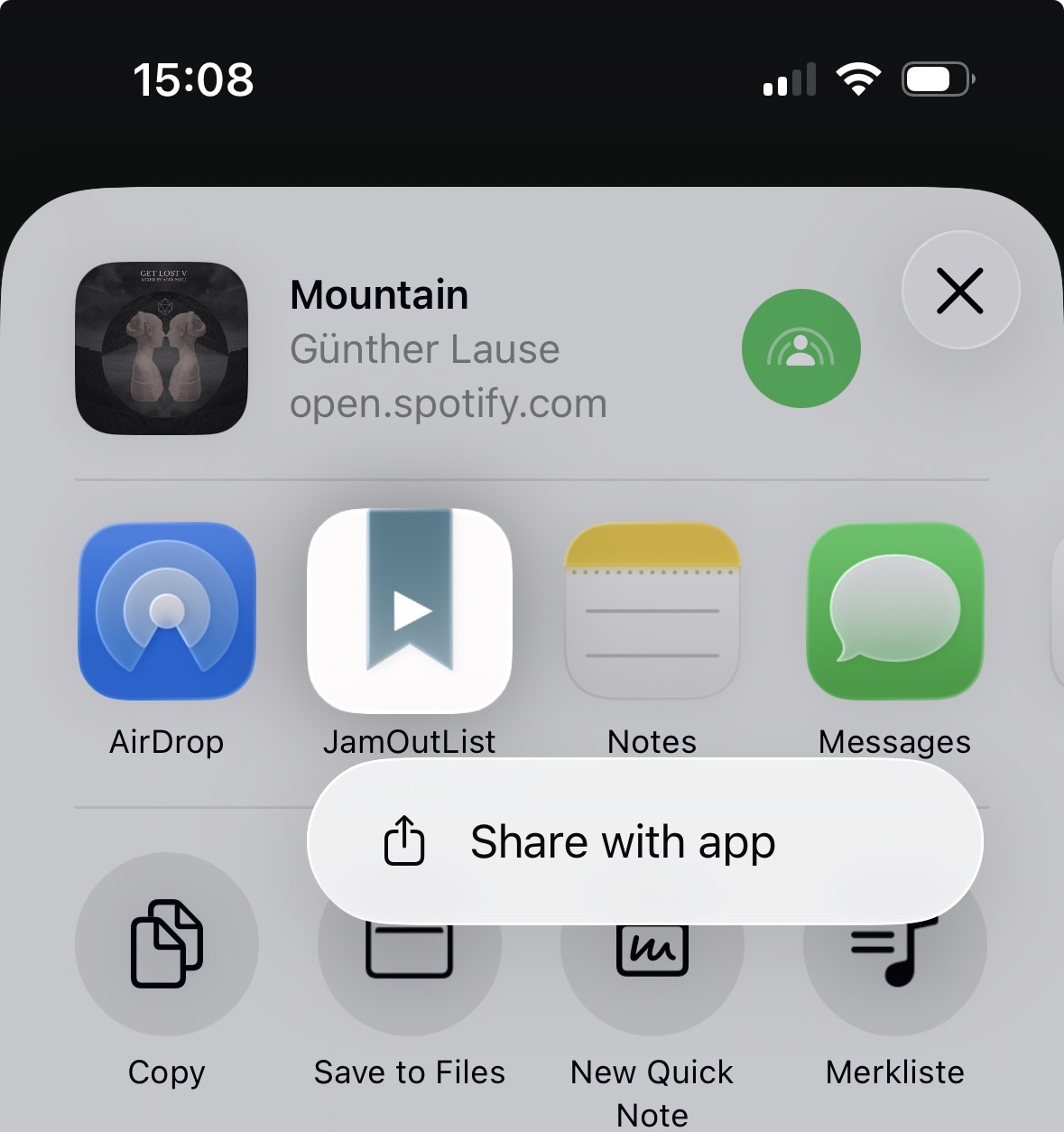
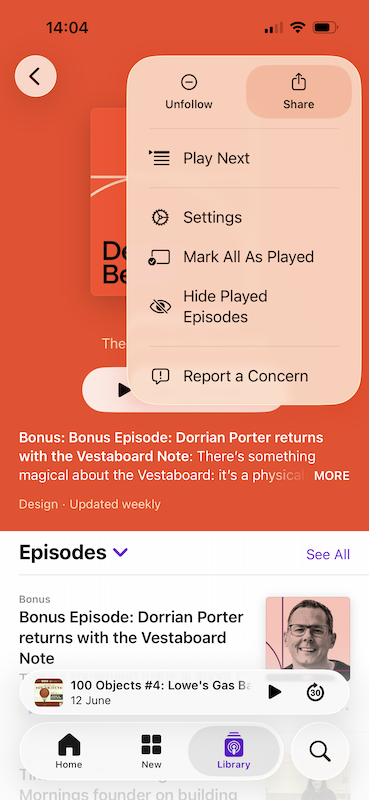
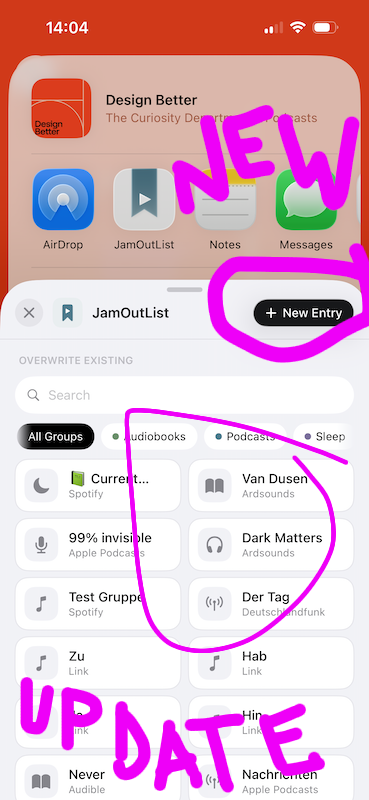
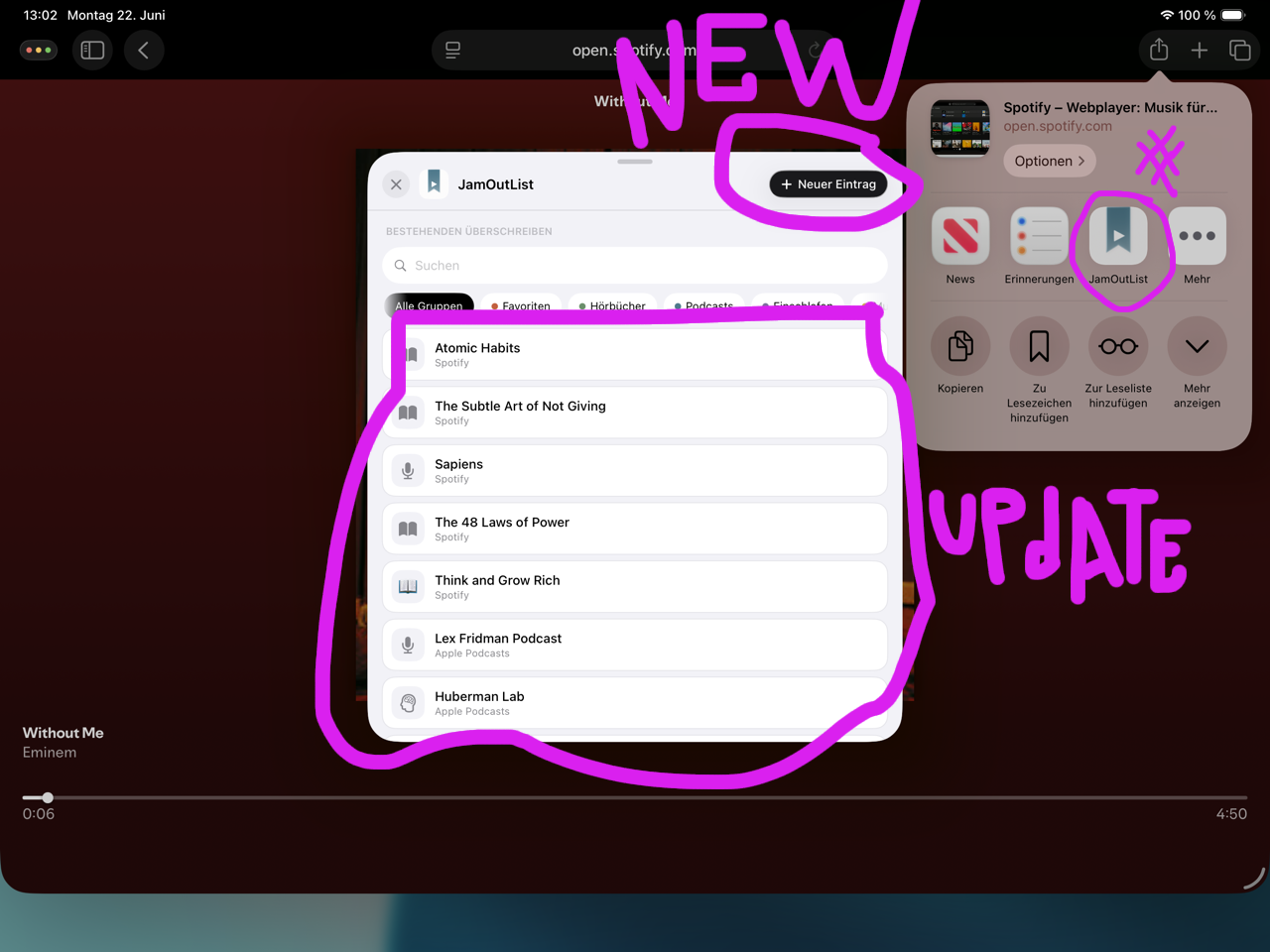
Tap "Share" in Spotify, Apple Music, Podcasts, Audible โ any audio app โ and pick JamOutList.
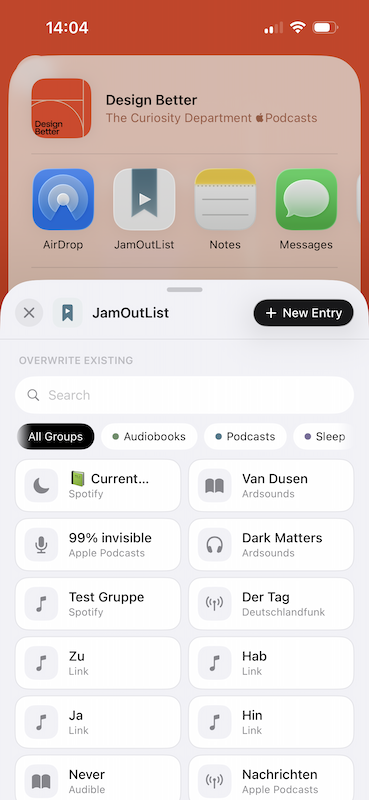
Create a new entry, or overwrite an existing one in seconds โ perfect for keeping your place in an audiobook.
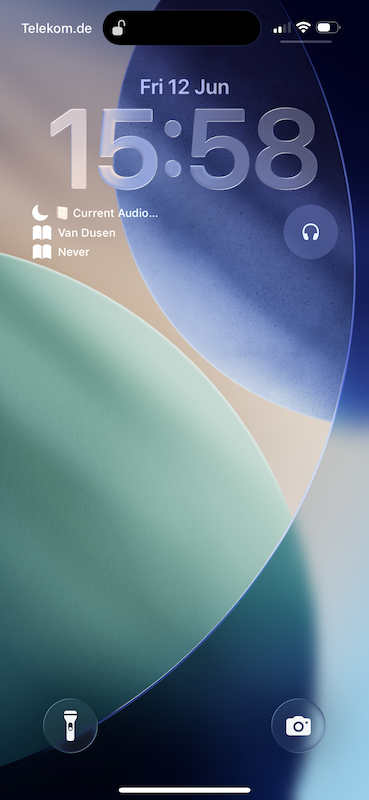
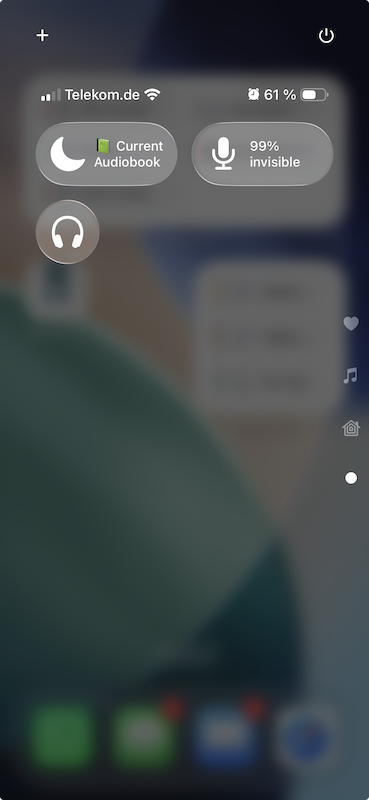
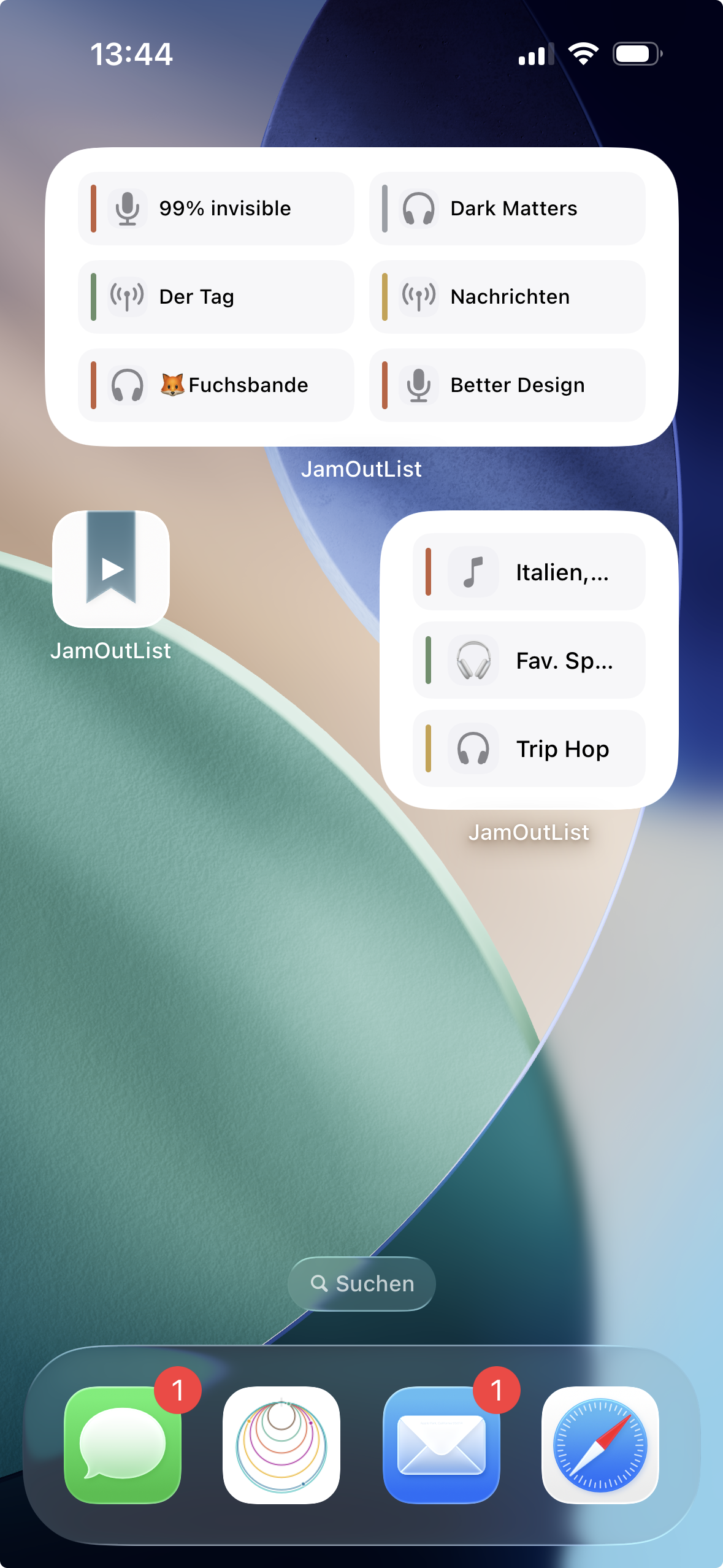
Open from the widget, the app, Lock Screen, or Control Center โ and land exactly where you left off, in the right app.
Spotify, Apple Music, Apple Podcasts, YouTube, Audible, radio apps โ if it has a share button, it works with JamOutList.
Listening to an audiobook as an album? Save the current track, overwrite it as you go โ never lose your place again.
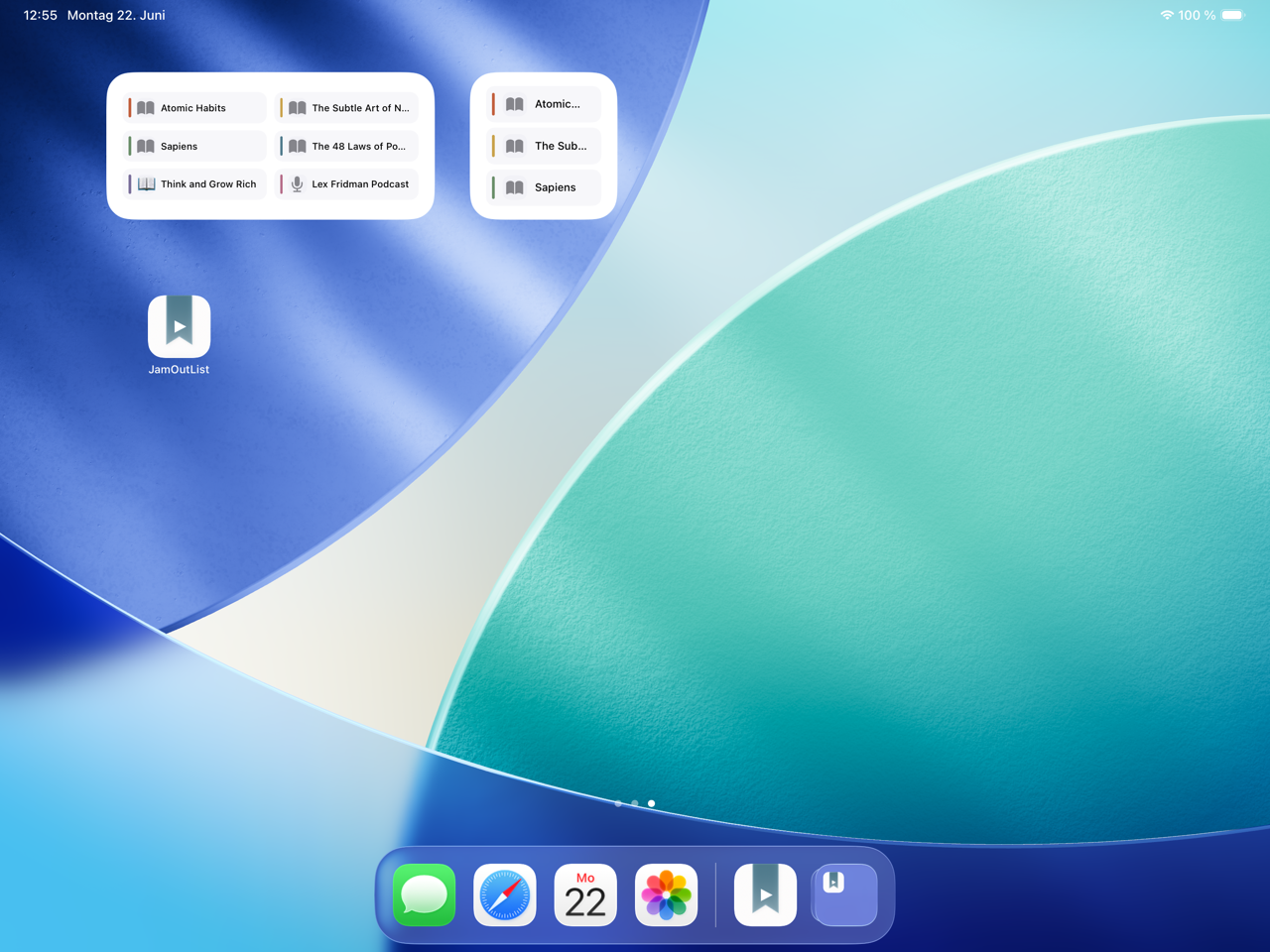
Lock Screen, Control Center, Home screen widget, or the app itself โ one tap opens your entry directly in its native app. No detours.


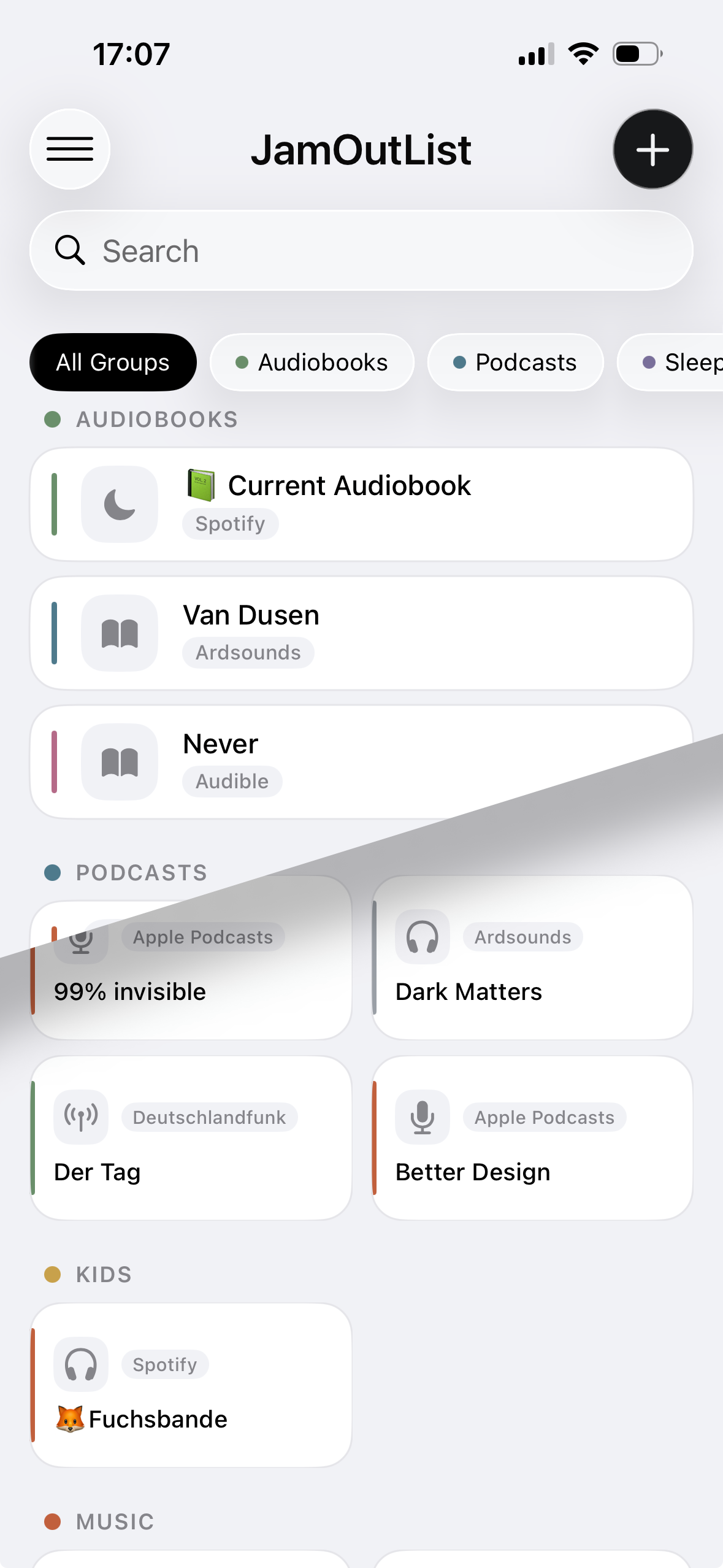
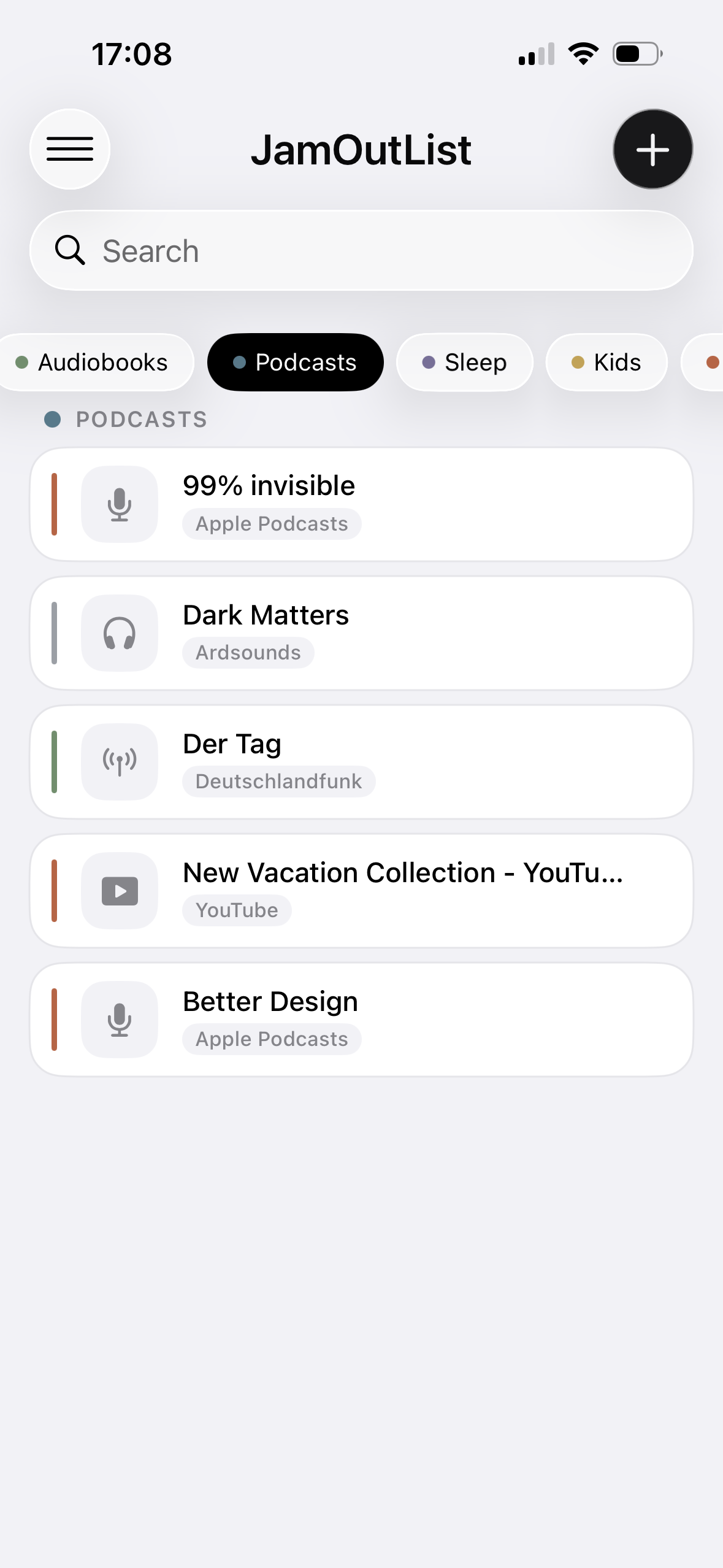
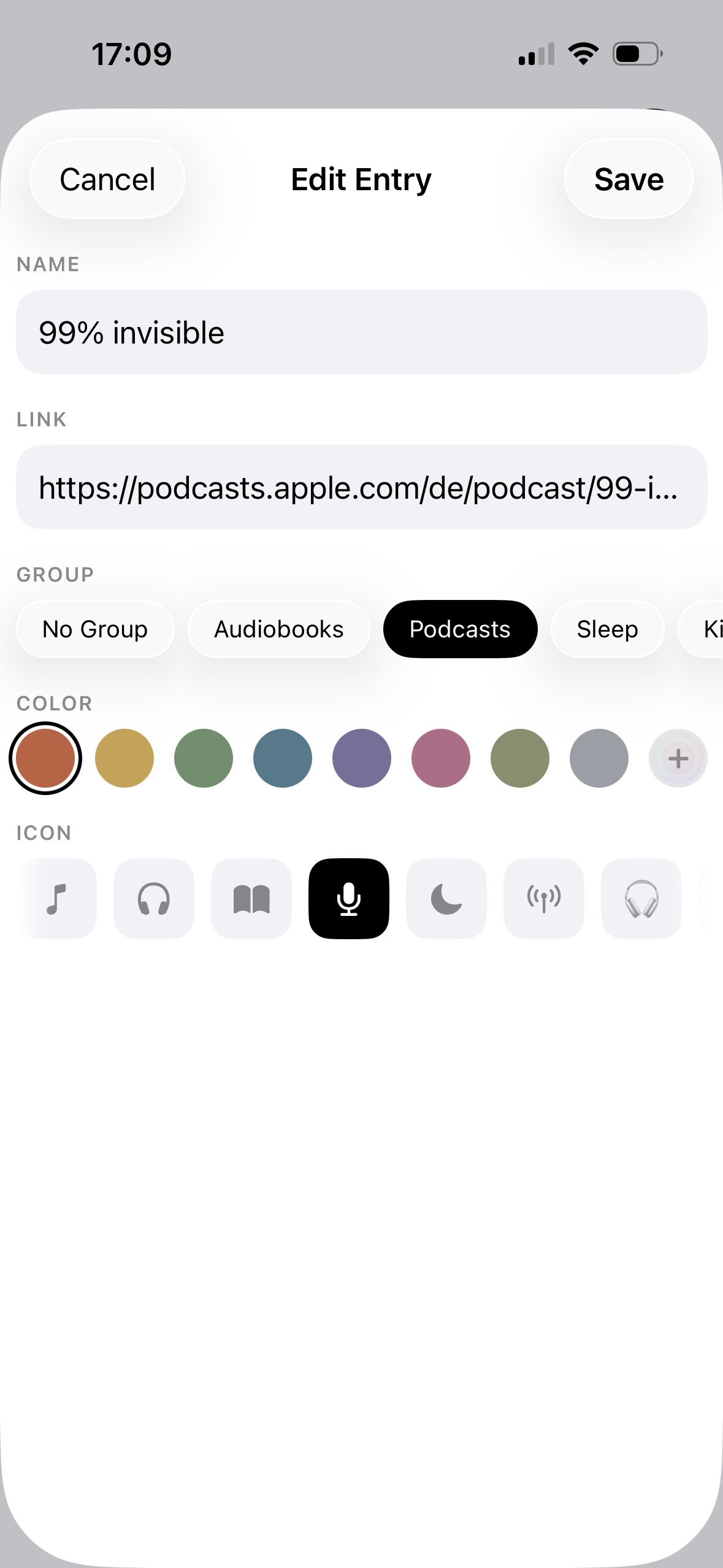
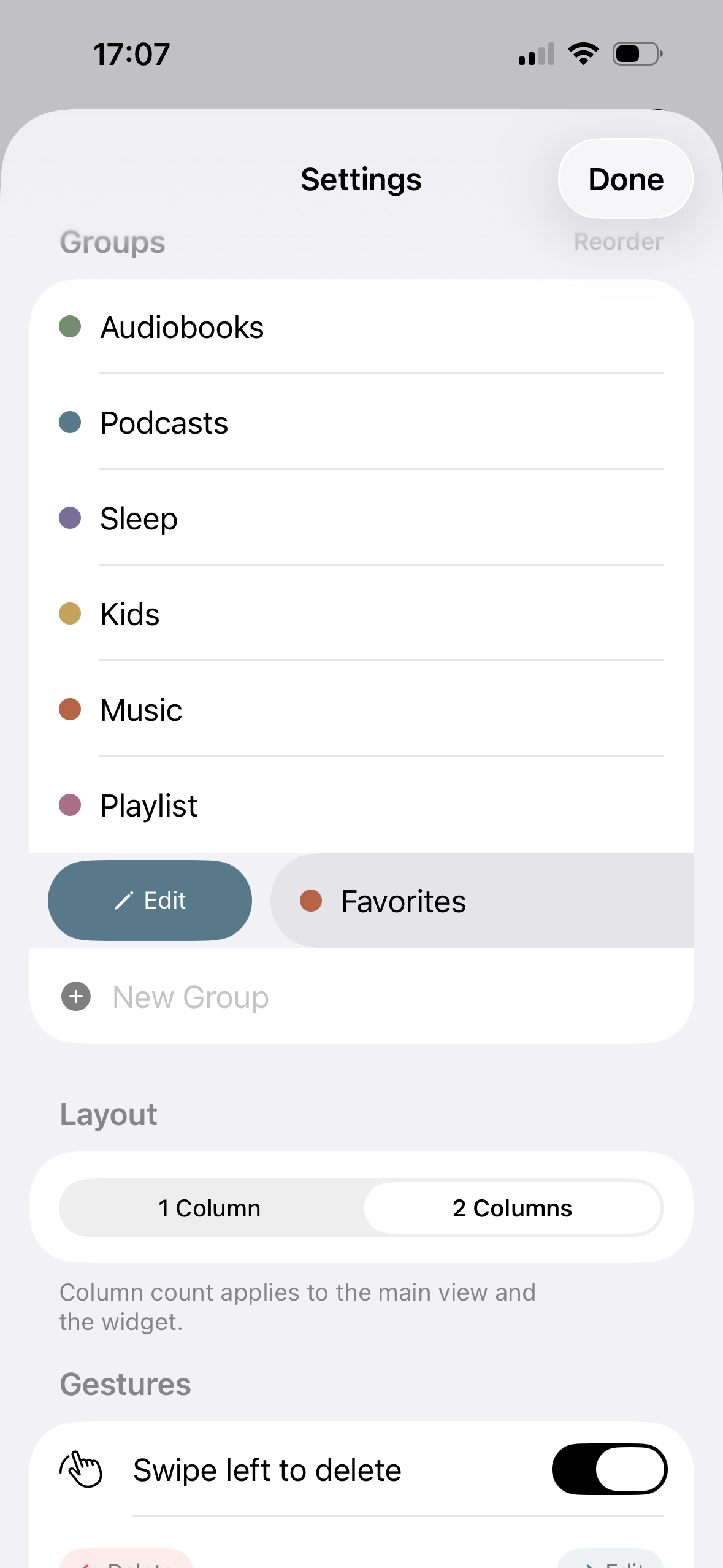
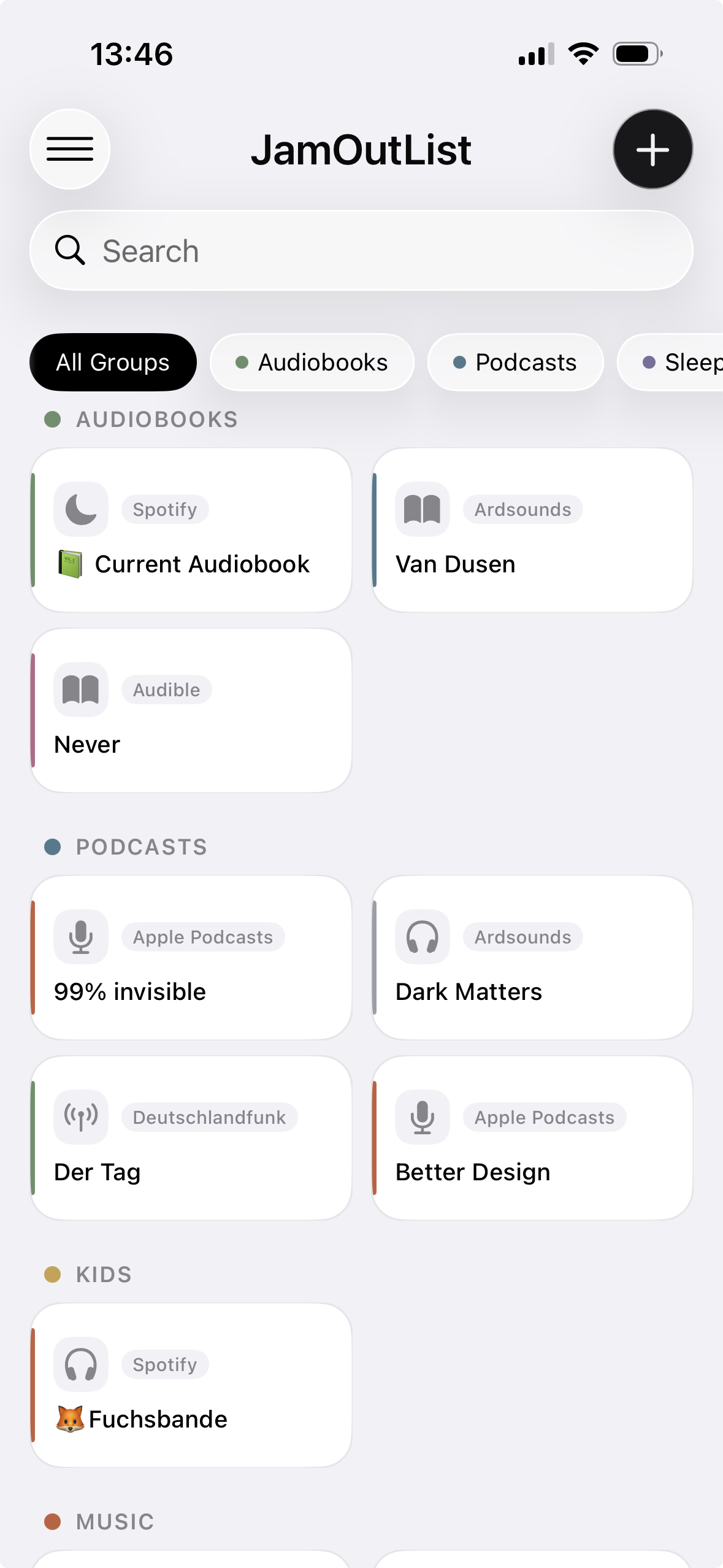
Organize by mood or type: Favorites, Audiobooks, Podcasts, Sleep. Custom colors and icons for every entry.
No account, no tracking, no sign-up. Everything stays on your device. Optional iCloud sync between your own devices.
Save NEW or update entry

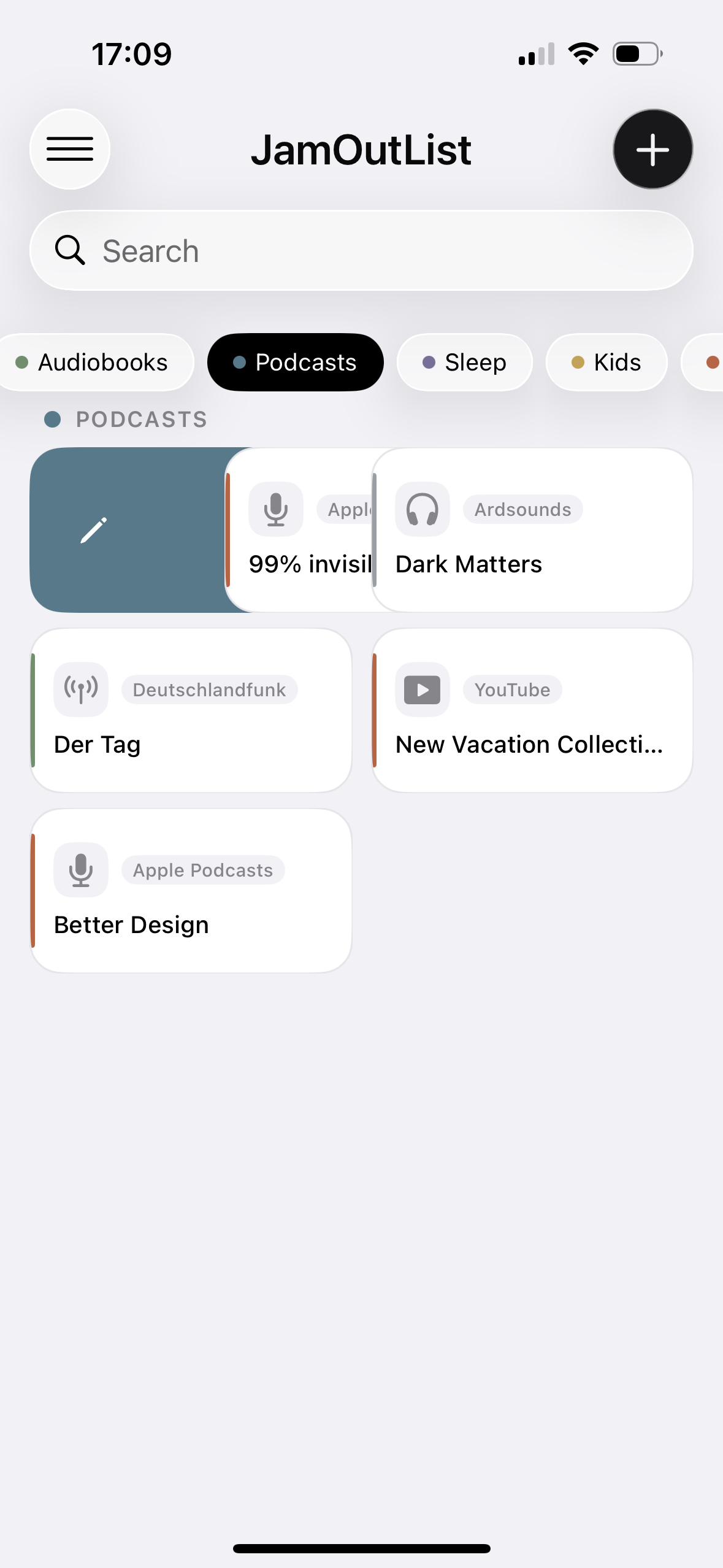
1- or 2-column view

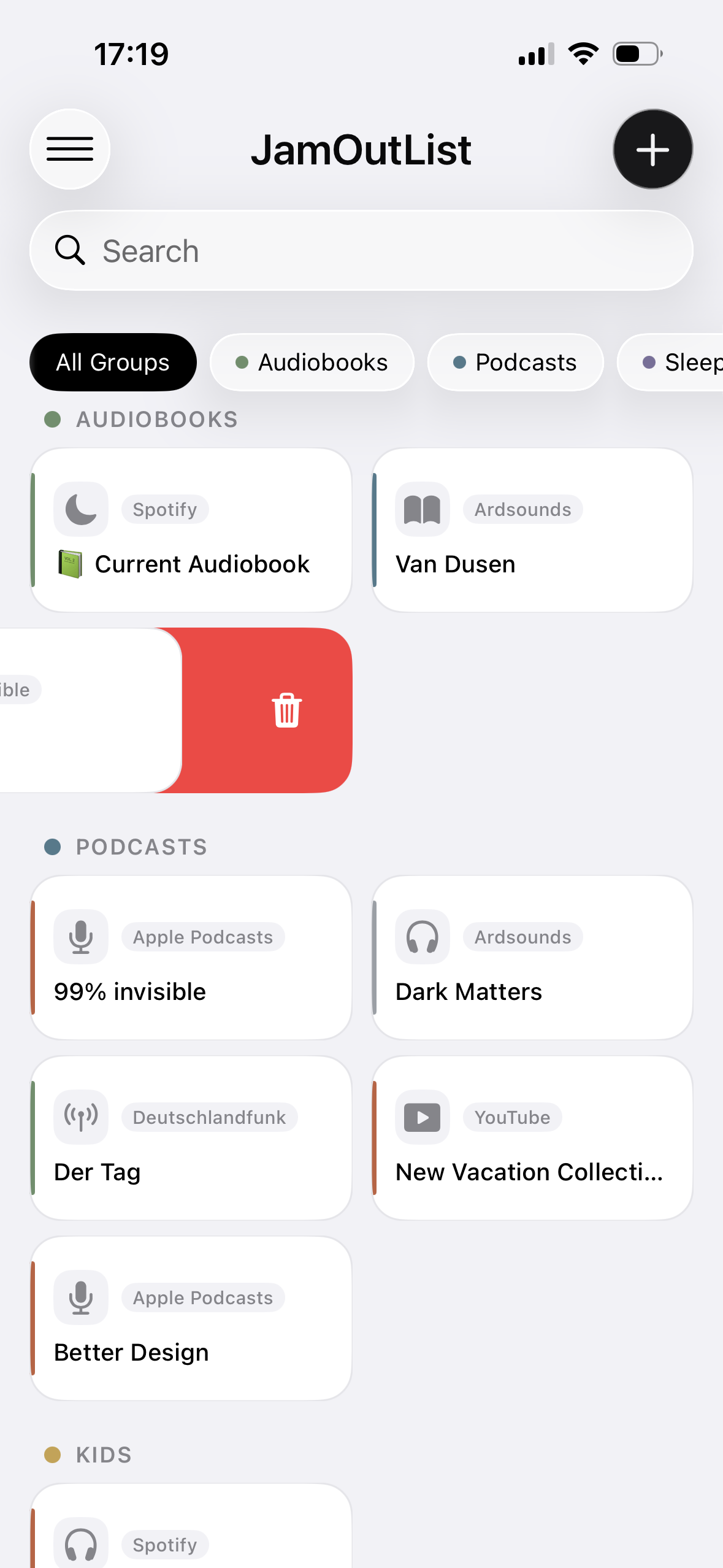
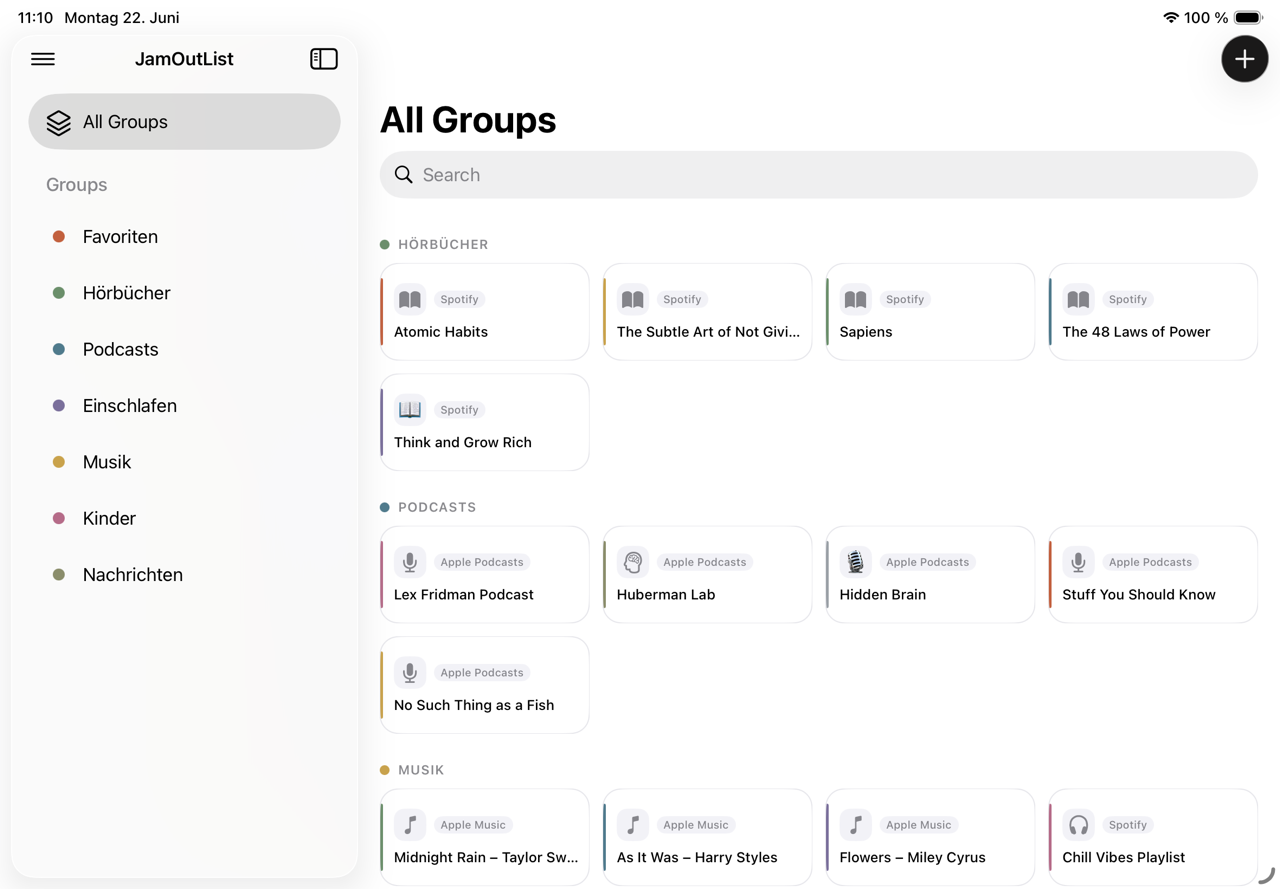
Filter by groups

Edit by swipe

Edit entries

Delete by swipe

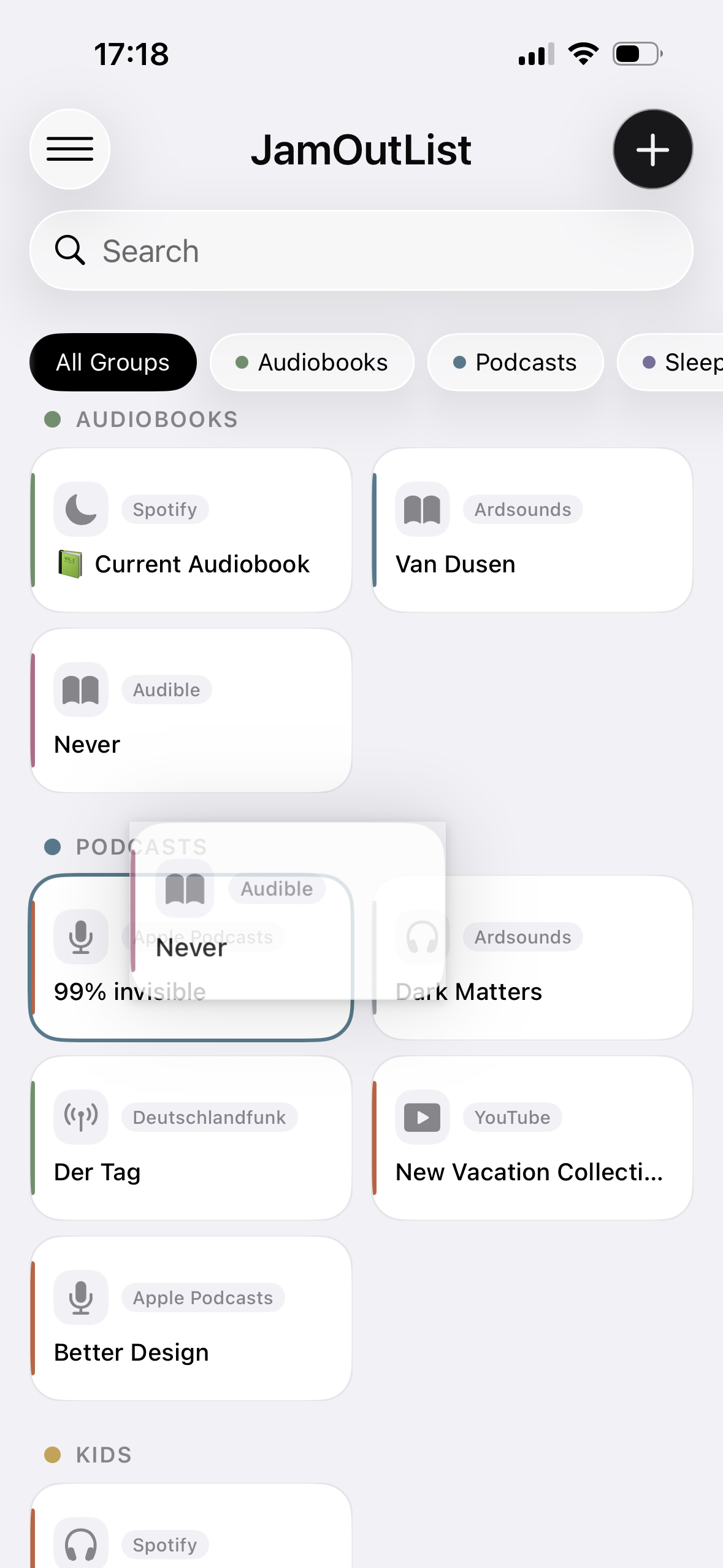
Reorder entries and move them between groups

Set up & reorder groups

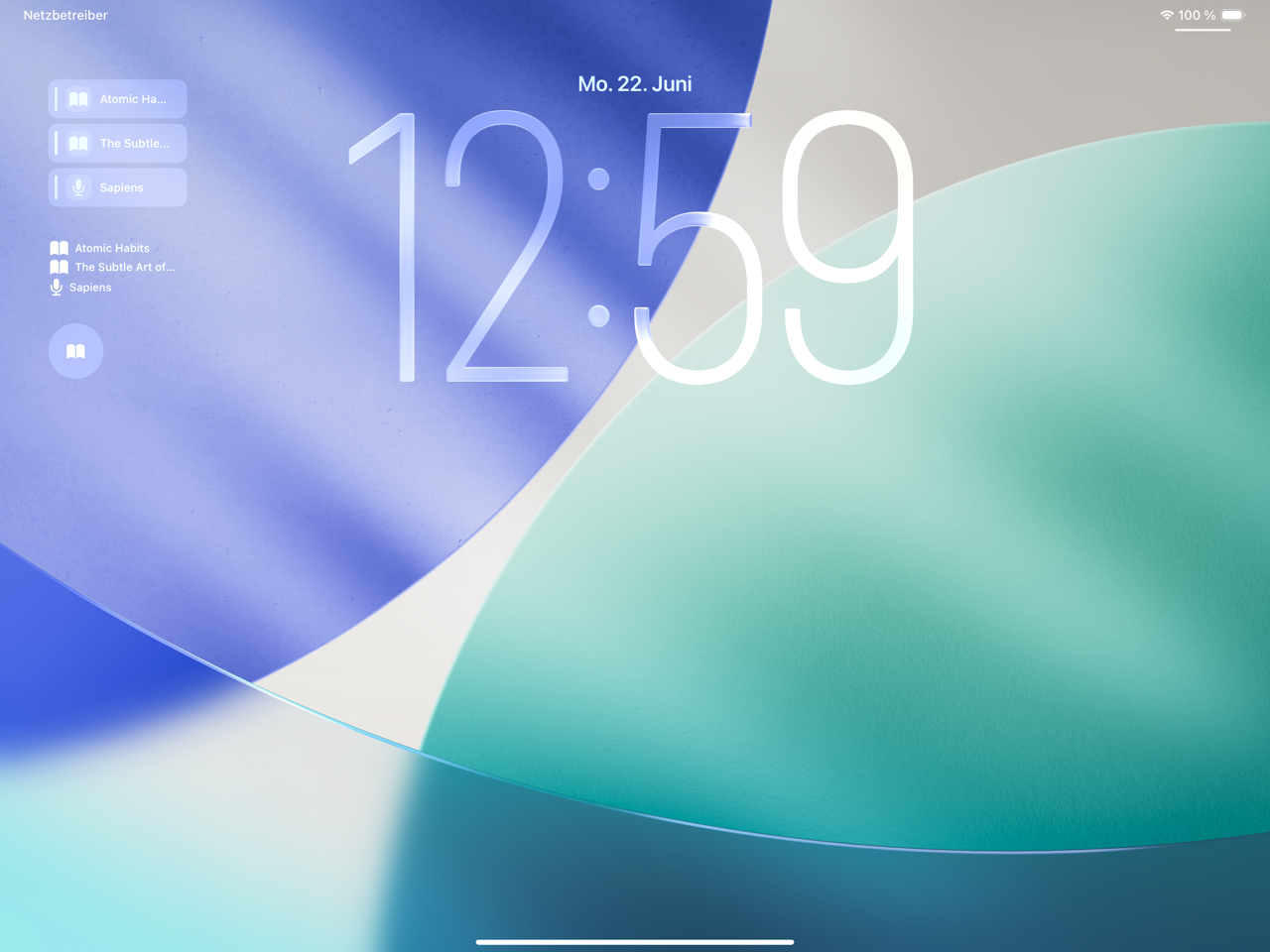
Jump right back from Look screen

Jump right back from Control Center

Save NEW or update entry

JamOutList on iPad

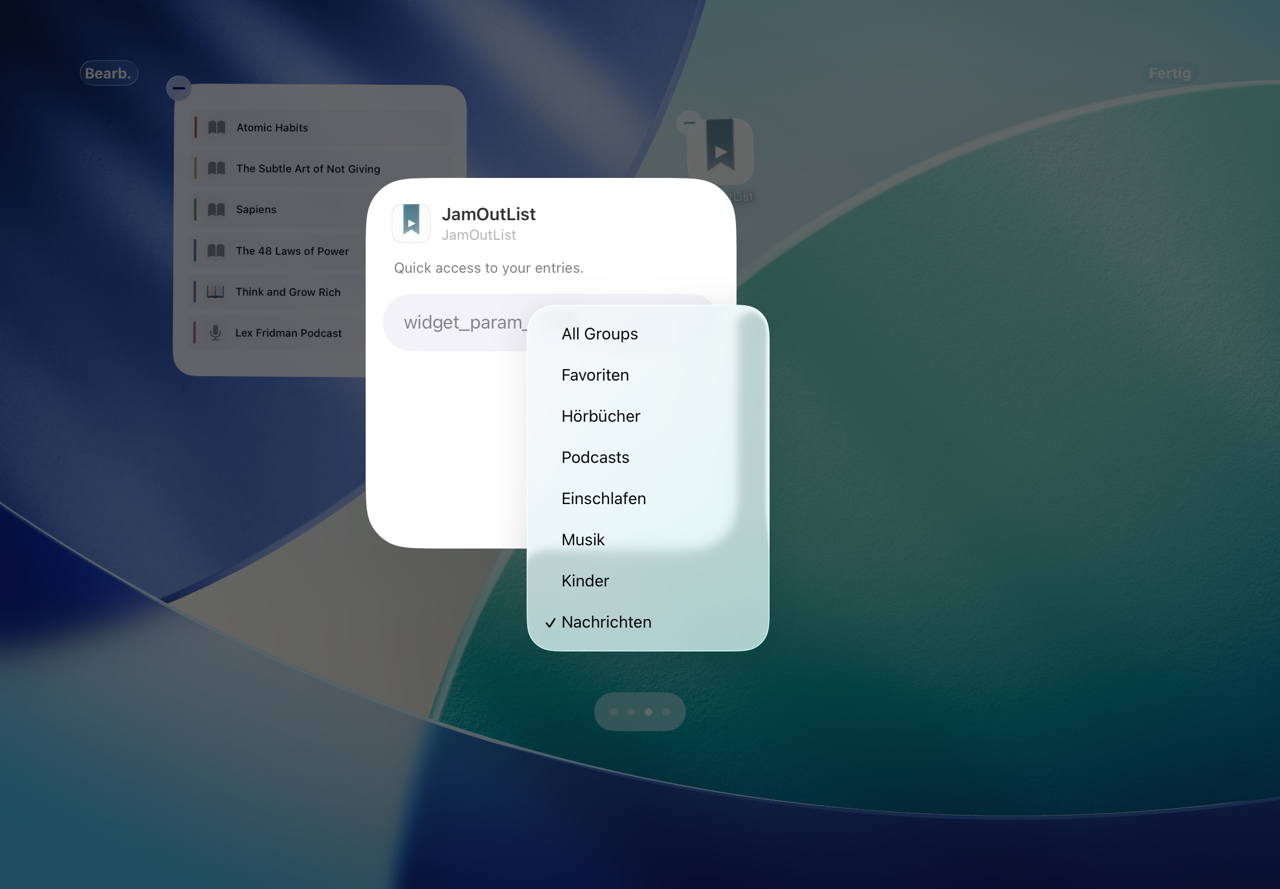
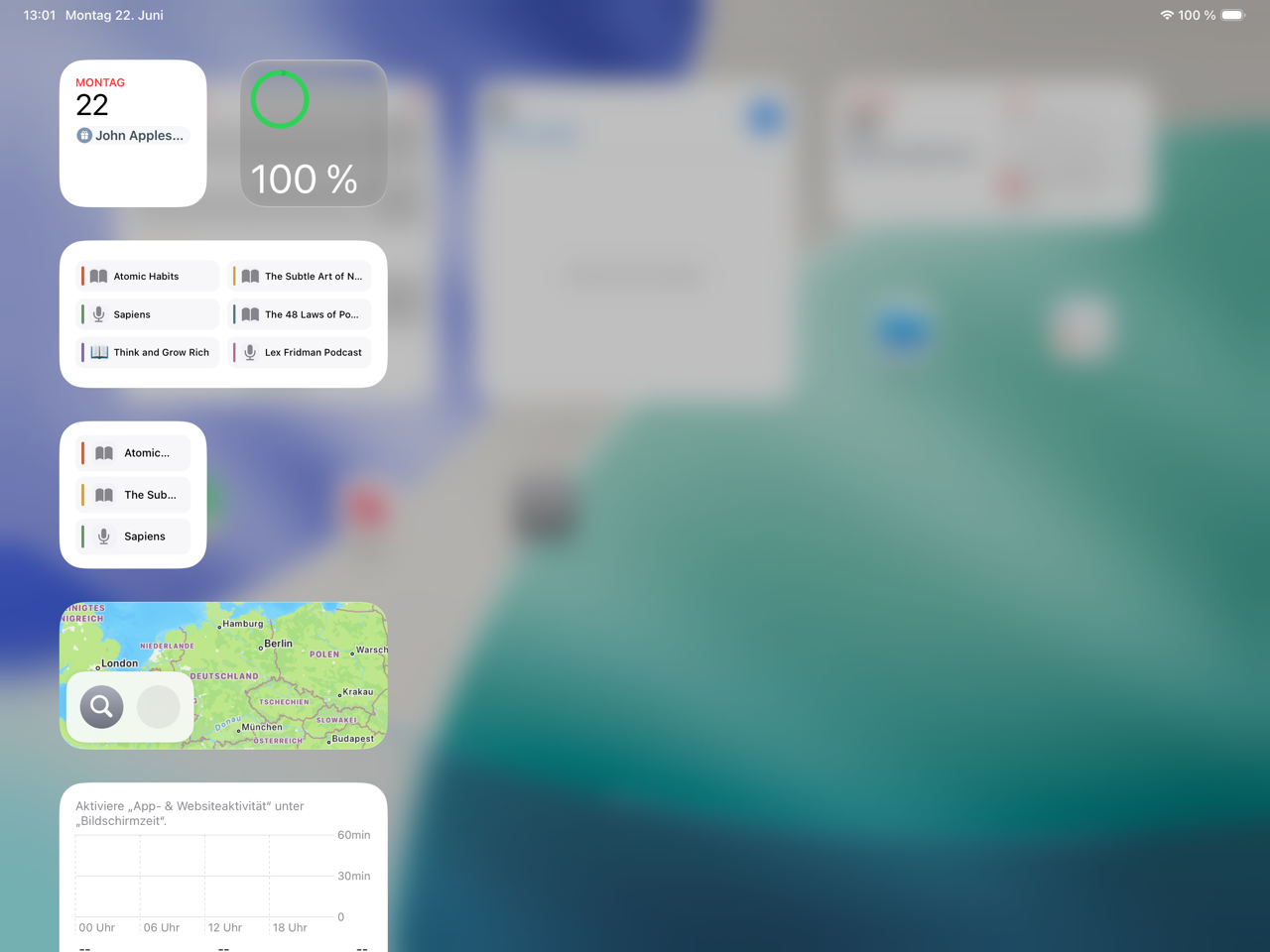
Wiget

What should this widget display?

Jump right back from Look screen

at Today View
Available for iPhone and iPad ยท iOS 17+ ยท One-time purchase ยท Restore anytime, free, after reinstalling